Visitor requests & walk-ins
Review planned visit requests, register walk-in visitors and follow request status.
VAMS brings visitor requests, walk-in registration, pass types, people records, device status and operational reports into one management interface.
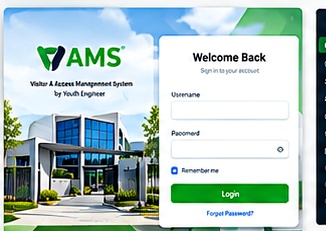
Based on the supplied VAMS interface screenshots. Available features and configuration may depend on your deployment.
Review planned visit requests, register walk-in visitors and follow request status.
Maintain people records and review registration or provisioning status.
Organise pass categories and site zones to support the configured access process.
Review connected devices, recent activity, device alerts and command queue status.
Use reporting views and live activity records to review operational events.
Manage operator accounts, role permissions, settings and organisation branding.
These are the screenshots you supplied, included as a visual gallery. Select any image to enlarge it.
At-a-glance view of onsite status and visitor activity.
dashboard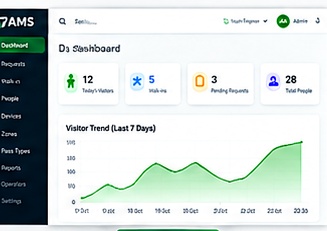
Review device-capacity alerts and follow-up actions.
devices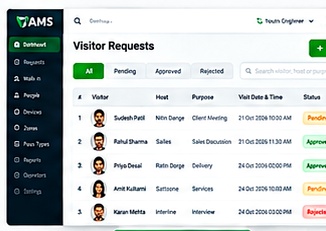
See current entry status and registration indicators.
dashboard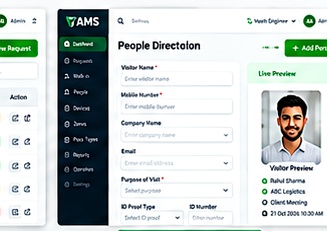
Monitor connected devices and their latest activity.
devices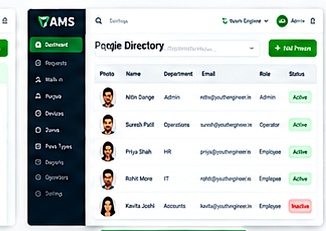
Review recent device events and entry activity.
activity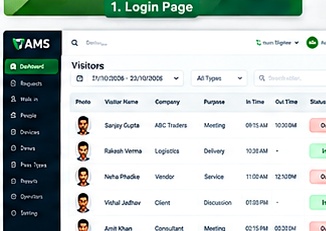
View people currently recorded as onsite.
visitors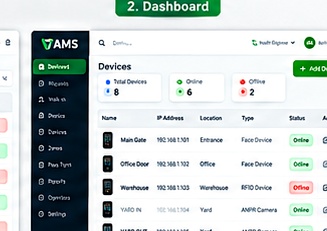
Filter reporting periods and export operational reports.
reports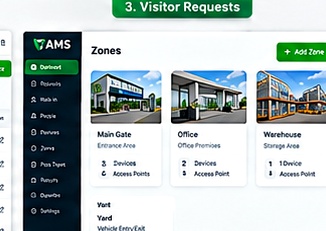
Review planned visitor requests and their current status.
visitors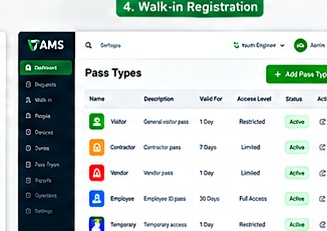
Register an unscheduled visitor with visit details.
visitors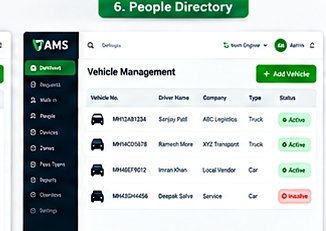
Look up a person or visitor record for provisioning.
visitors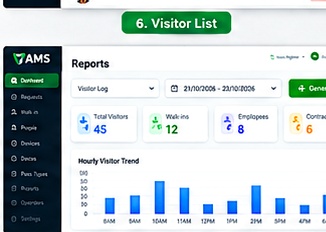
Review device or service outage status.
devices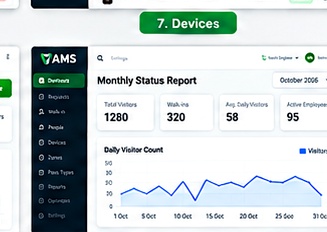
Browse people records and registration status.
people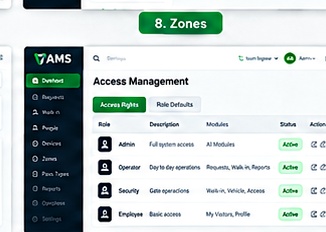
Manage or review directory groupings and categories.
people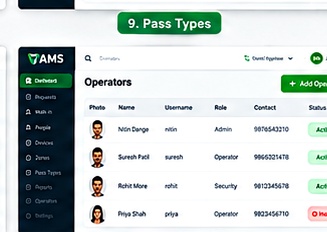
Review connected device details and configuration.
devices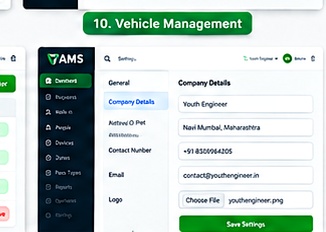
Organise access areas and site zones.
access setup
Configure visitor or contractor pass categories.
access setup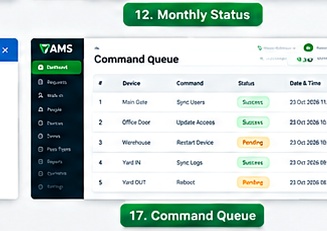
Review queued commands and their processing status.
devices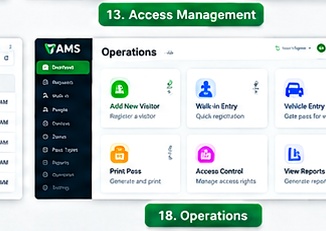
Manage operator accounts and administrative access.
administration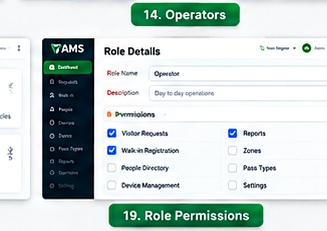
Review role-based access permissions.
administration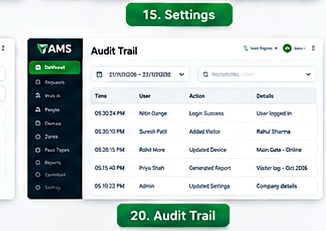
Configure system settings and organisation branding.
administrationA central interface can help teams follow the visitor process, keep records organised and review connected device activity.
Example workflow based on the areas visible in your screenshots.
Exact workflow, hardware integrations and features should be confirmed against your installed VAMS configuration.
Contact Youth Engineer to discuss your site, devices and visitor registration requirements.